


YouTube
Tag Extractor
Paste a watch page’s source and pull out its keywords and hashtags, ready to copy.
Open toolSee every image YouTube keeps for a video: four thumbnail sizes and three frames picked from the video.
YouTube stores up to five thumbnail sizes for each video, from 1280 × 720 down to 120 × 90, plus three small frames taken from the video. Paste a video link below to see them all.
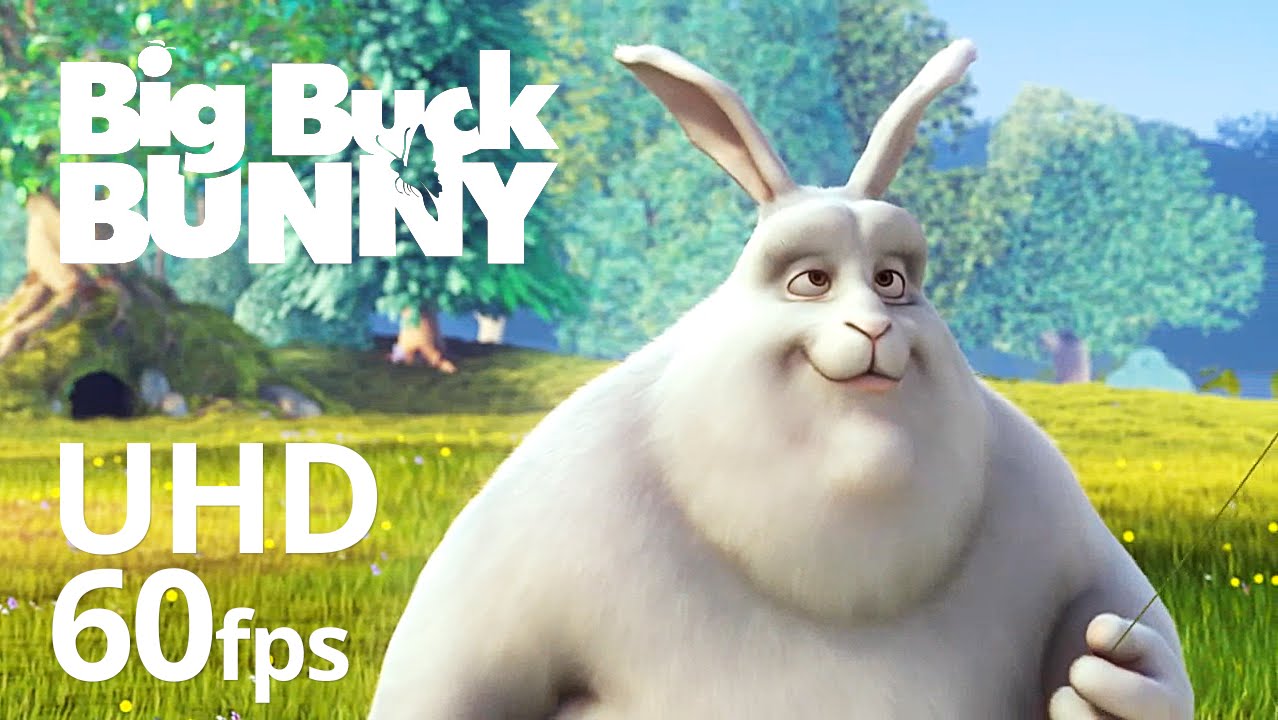
Showing an example video. Paste your own link or ID above to replace it.
Select an image to open it at full size, then save it from the browser. Frames 1 to 3 are the pictures YouTube picks from the video.
Each video has thumbnail files at fixed addresses built from its video ID. Alongside the main thumbnail sizes, YouTube generates three small frames from the video itself.
| Name | Size | File |
|---|---|---|
| Maximum | 1280 × 720 | maxresdefault.jpg |
| Standard | 640 × 480 | sddefault.jpg |
| High | 480 × 360 | hqdefault.jpg |
| Medium | 320 × 180 | mqdefault.jpg |
| Frames 1 to 3 | 120 × 90 | 1.jpg, 2.jpg, 3.jpg |
The maximum size exists only when the uploaded thumbnail is large enough. Older or low-resolution uploads may have only the smaller files.
Thumbnails belong to their creators. Use them for reference, analysis or inspiration, and ask permission before publishing someone else’s image. For specs when designing your own, see YouTube thumbnail size and dimensions.
Read the full guide: YouTube Thumbnail Size and Dimensions
Paste a video link or ID.
Browse the thumbnails and frames.
Select an image to open it at full size, then save it from your browser.
Small pictures that YouTube generates automatically from the video.
Not from this page. Open the channel on YouTube and save the image from your browser.
Not every video has every size. The 1280 × 720 size is missing on some videos.
Thumbnails belong to their creators. Get permission before you publish or reuse someone else’s image.